

rebind command works next to the app. Use it when you write scripts in
your own editor and keep a terminal open beside it. This page walks through one
development loop. Every command and option is in the
CLI reference.
Run rebind on its own to list the commands. The letters in parentheses are
short aliases.
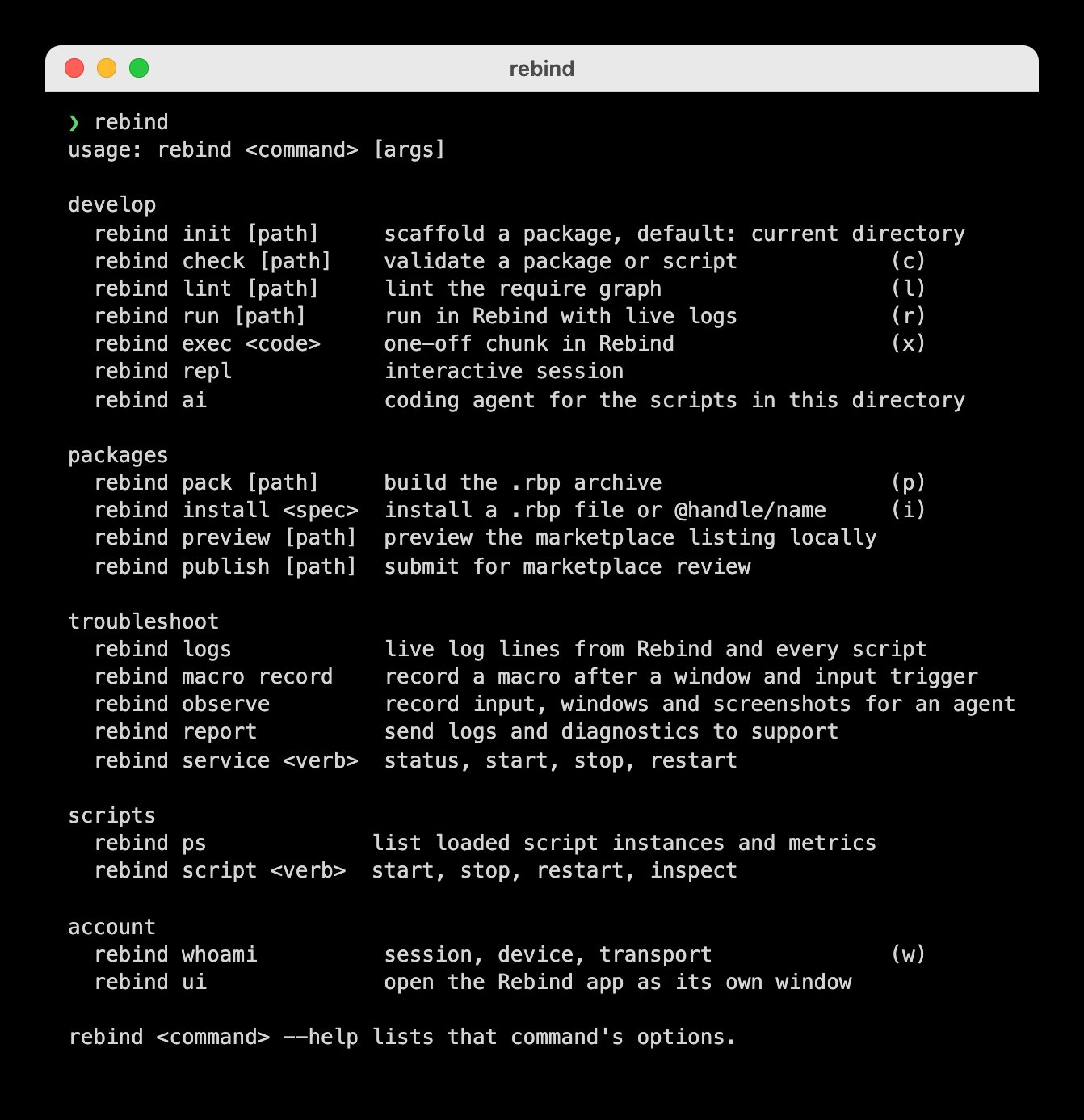
rebind with no arguments lists the commands by task.
Start a package
rebind init hello creates a hello folder with a manifest, a main.luau
that logs a line when it starts, a README, and a .gitignore. rebind check
validates it offline; check lists what it covers.
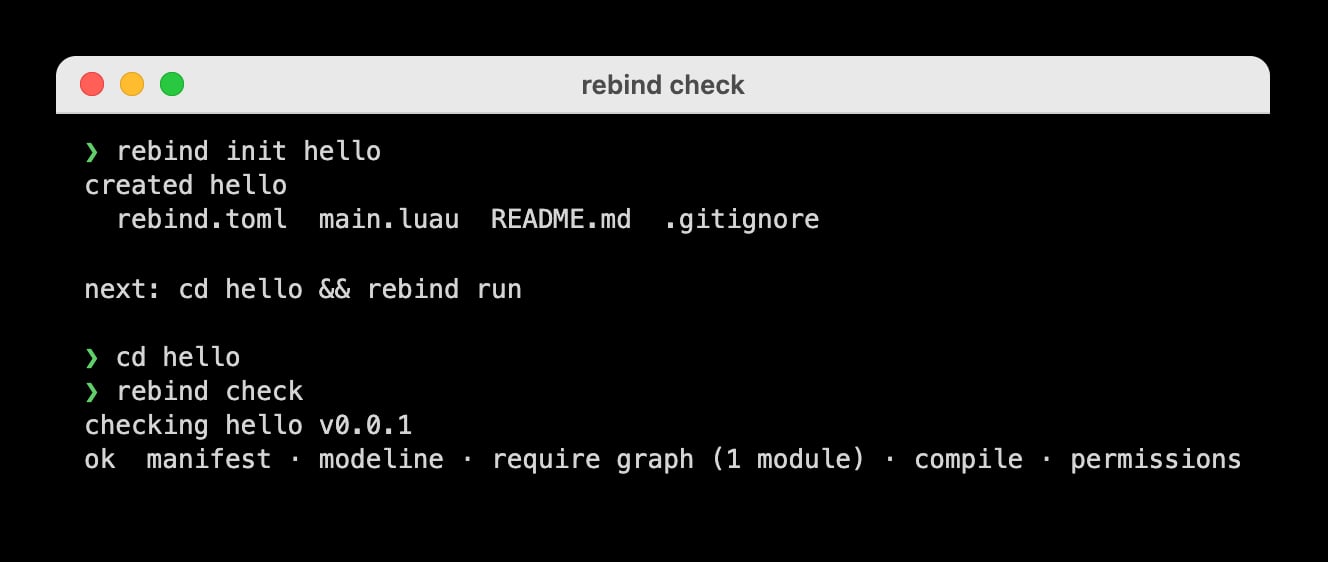
Scaffold a package, then check it.
Run it while you edit
From the package folder,rebind run checks the package, loads it into the
running Rebind, and prints its log lines. When you save a change, it checks
again and reloads; run lists which files count. Below,
the logged message was edited while the script ran. Ctrl+C stops the script and exits.
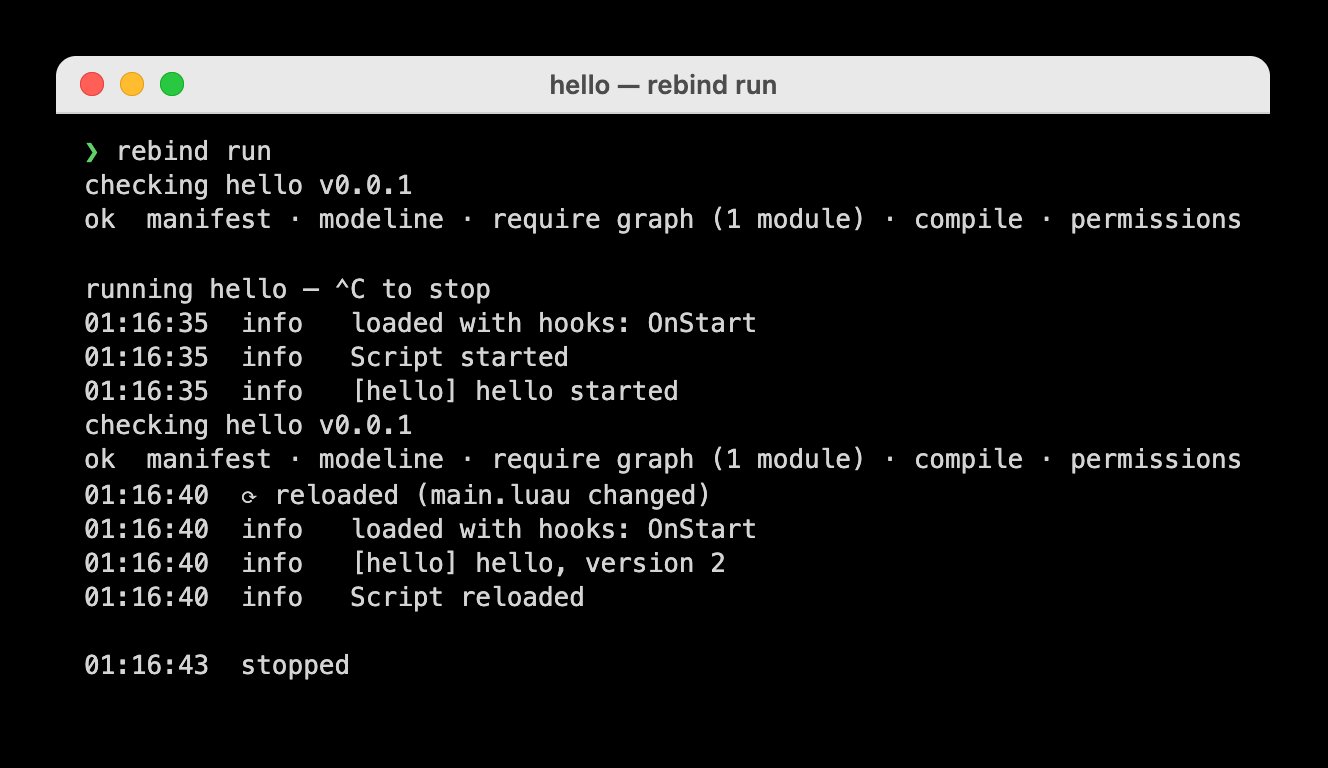
rebind run reloads the script when a file changes.
See what is loaded
rebind ps lists every script instance Rebind has loaded. Stop one with
rebind script stop and its ID or path; see script.

Two scripts loaded from the scripts folder.
Watch the logs
rebind logs streams new log lines from Rebind and every running script.
--level and --script narrow the stream; see logs.
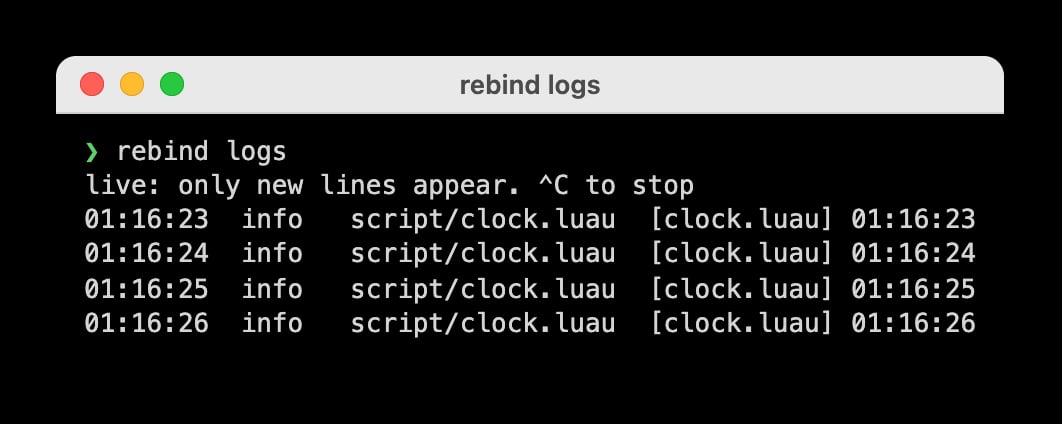
A script that logs the time every second.
Try a line of Luau
rebind exec runs a chunk inside Rebind with the full SDK and prints what it
printed, then what it returned:
rebind repl opens the same runtime as an interactive session.
Ask the terminal agent
rebind ai is a coding agent for the scripts in the current folder. Describe
what you want in plain words. It shows its reasoning while it works and asks
before it writes a file or runs a command. Running Luau inside Rebind asks once
per session. Rebind’s models are part of
Rebind Pro; ai covers other models and the
session controls. Below, the request was “move my mouse in a circle”.
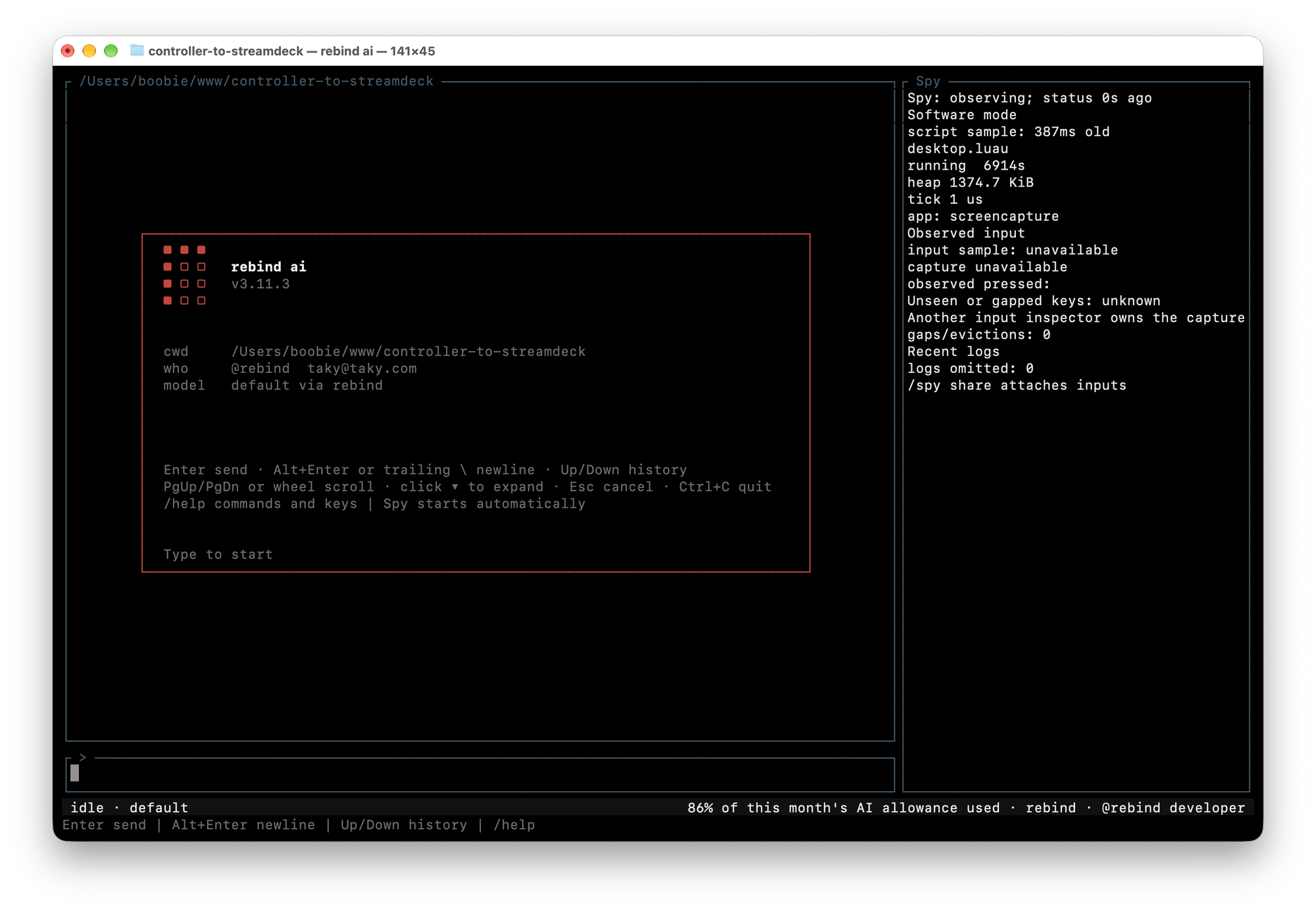
rebind ai opens with the folder it works in, the signed-in account, and the model.
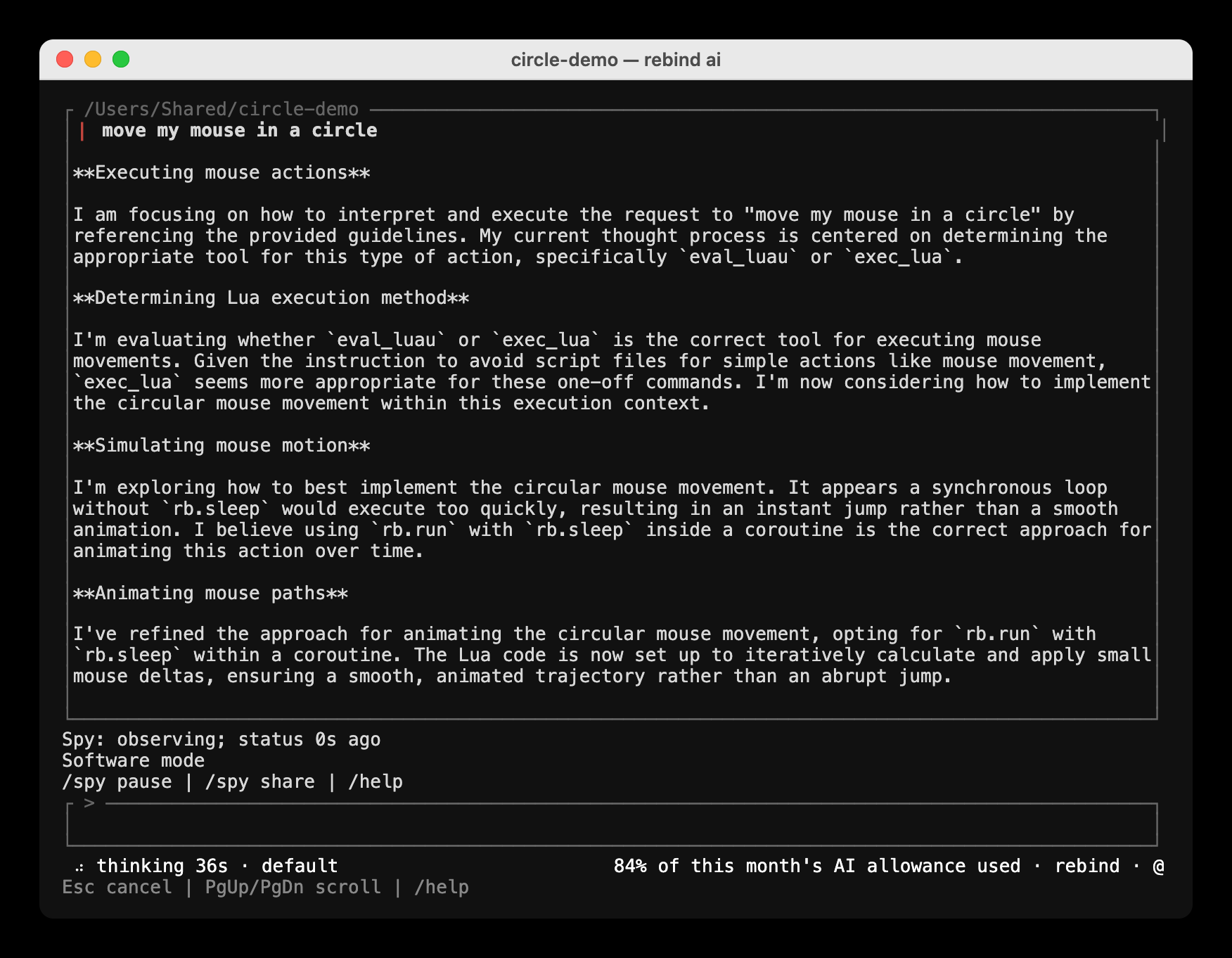
The agent works out an approach before it acts.
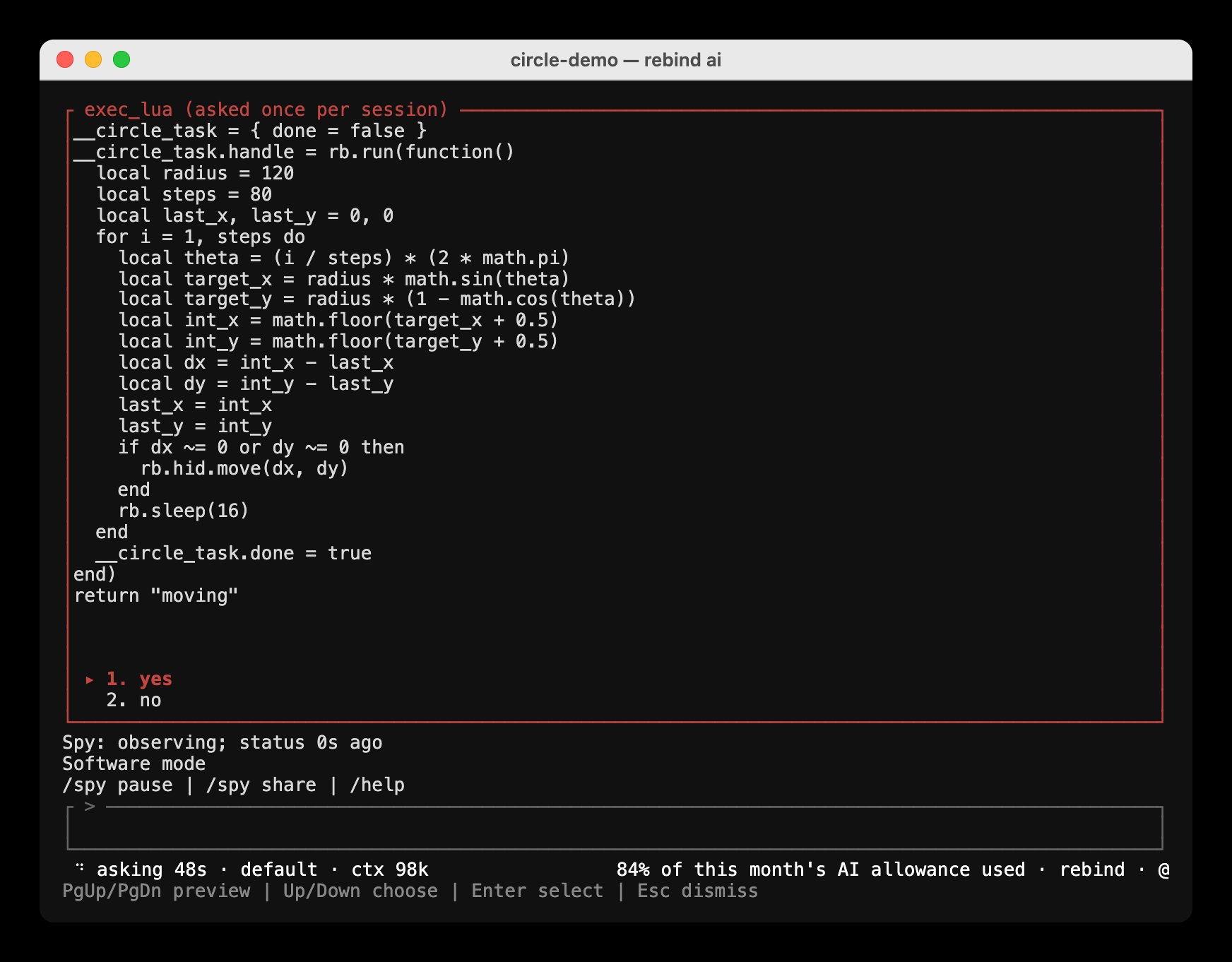
It shows the Luau it wants to run and waits for yes or no.
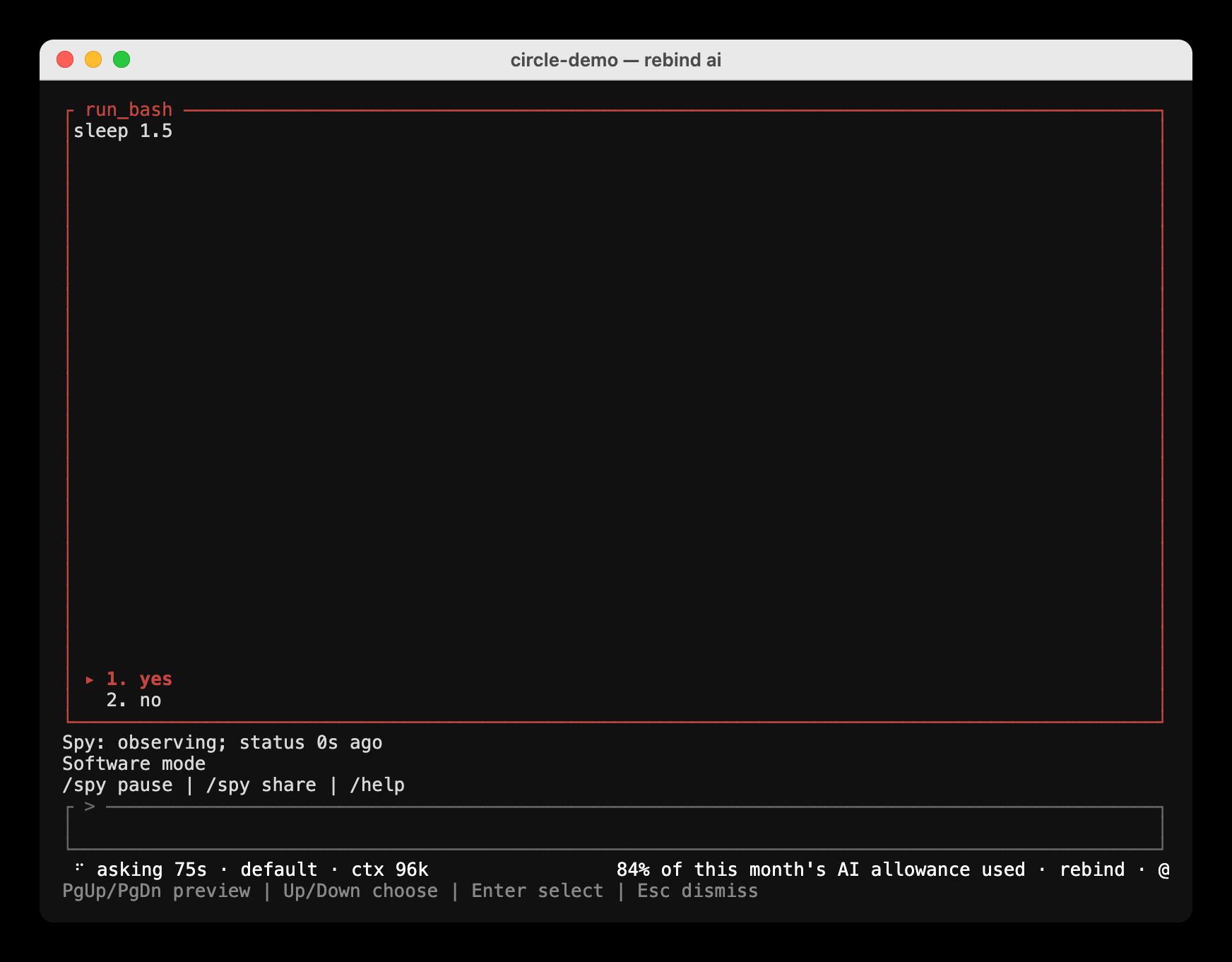
A shell command asks the same way. Here it waits for the circle to finish.
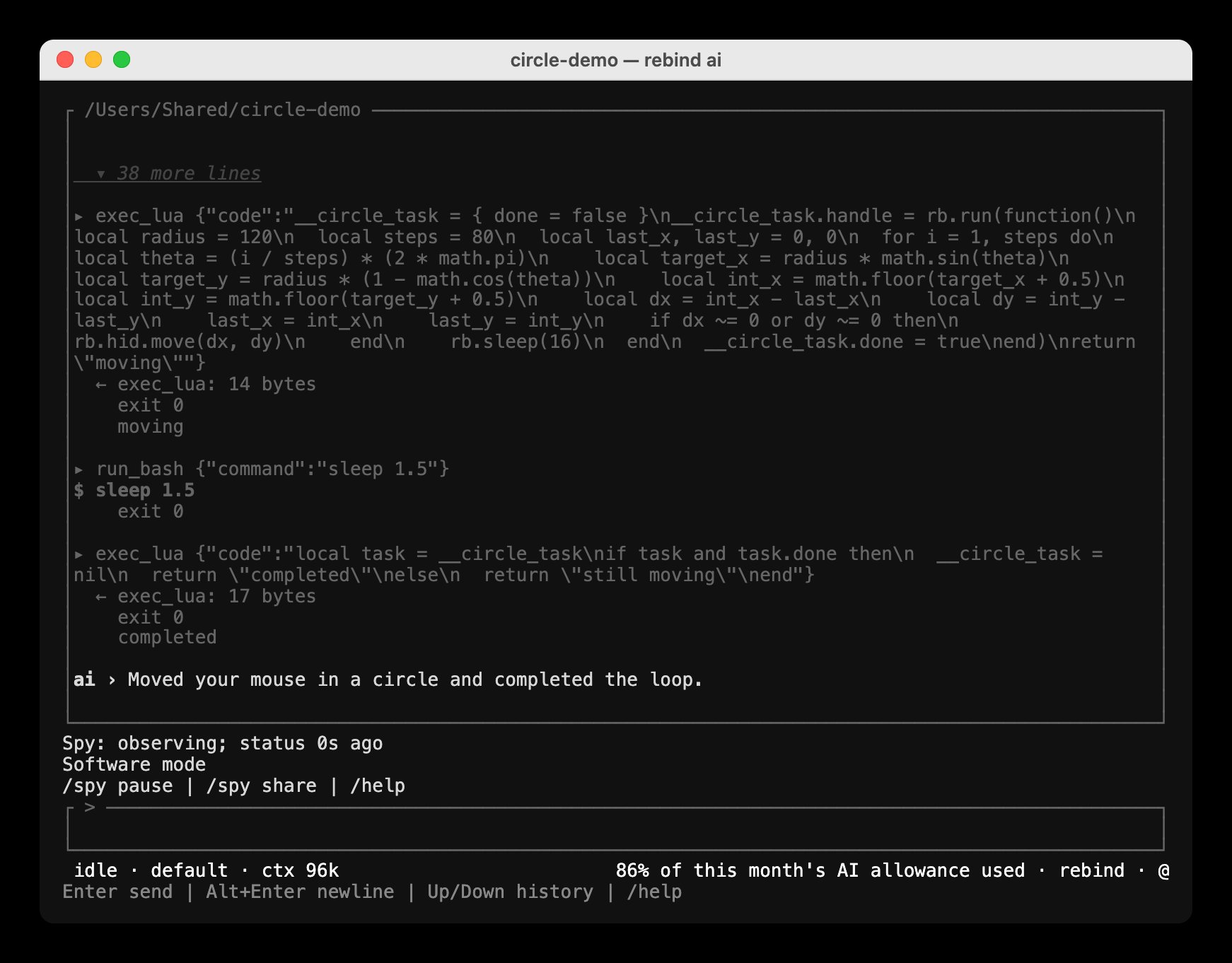
Each step and its result stay in the conversation.
Share it
When the package is ready,rebind pack builds a .rbp file you can hand to
someone, and rebind publish submits it to the marketplace. See
pack and Publishing scripts.