

Share a script
In the Scripts view, right-click a script or a package folder and choose Share. The dialog offers two ways to send it:- Send to a person. Enter their
@handleor a device MCID and choose Send. They get a notification and can accept or ignore it. - Create a share code. Choose Create code, then Copy. Anyone signed in to Rebind with the code can import it.
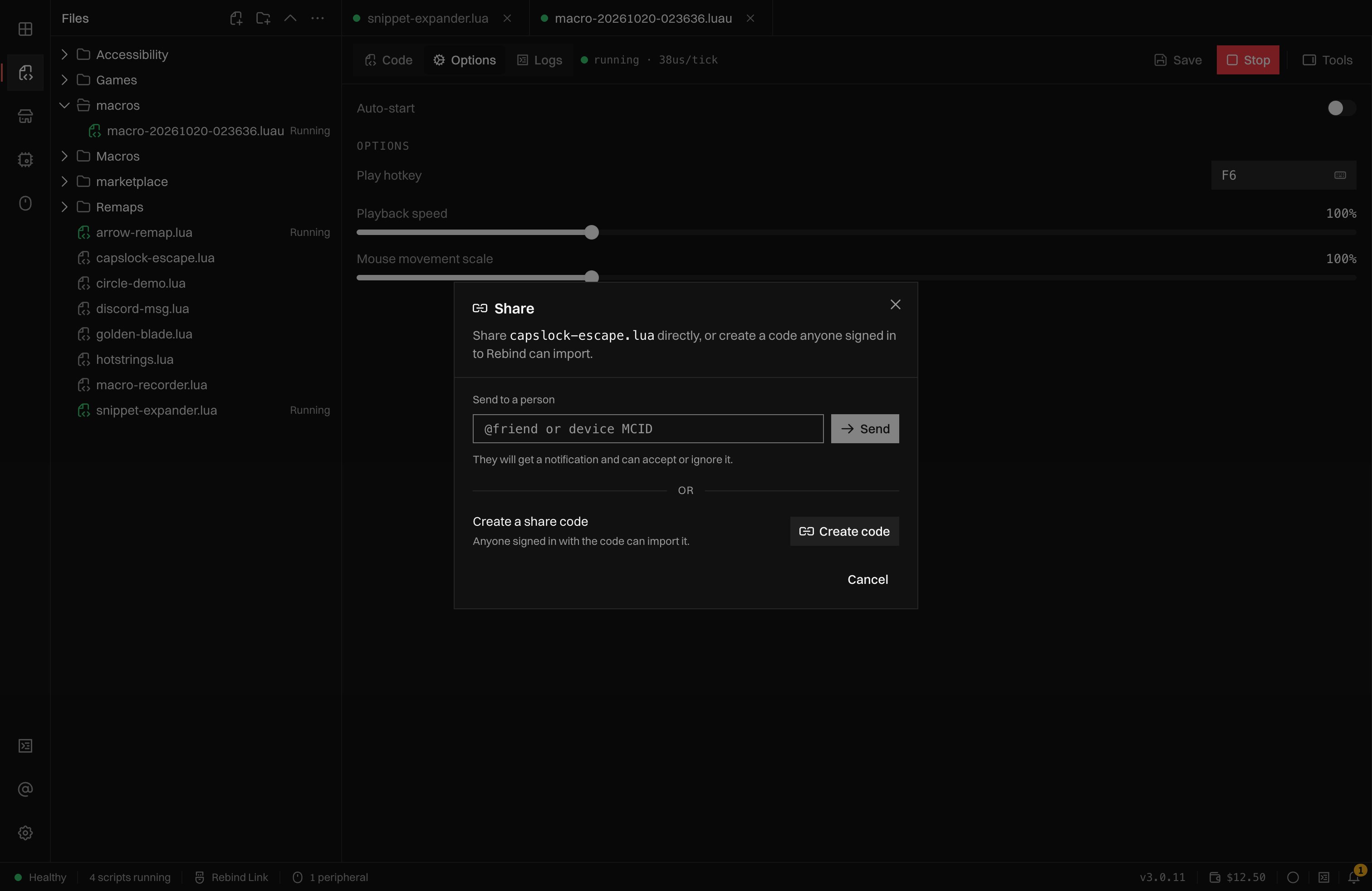
The Share dialog: send to a person, or create a share code.
.git, target, node_modules, and .rbp files are left out of the archive.
Rebind stores the shared files as they are and does not review them. Share
only with people you trust, and import only from them.
Import a shared script
In the Scripts view, open More file actions above the file list and choose Import by code. Paste the code and choose Preview: the dialog shows the name, the number of files, and who shared it. Choose Import. Scripts sent to you directly are listed in the same dialog under Shared with you, with Accept and Ignore. The share notification’s Review button opens this dialog. If the script asks for permissions, Rebind removes the download and lists them (“Import this shared script?”). Choose Allow and import to install it. The download is checked against the shared copy before it is written, and the script lands in theshared/ folder of your scripts.
A link of the form rebind://import?source=export&code=<code> opens the same
dialog with the code filled in. Nothing imports until you choose Import.
Cloud backups
Cloud backups save this computer’s scripts, macros, and settings to your account. They run only when you ask for one. The controls are in Settings > Preferences > Cloud backups. Making a backup needs Rebind Pro. Without it, the section says “Cloud backups are not on your plan” and still lets you restore the backups already on the account.Back up
Choose Back up now. Each backup is a new version, and Rebind keeps the 10 newest versions; older ones are deleted as new ones arrive. If nothing changed since the last backup, nothing is uploaded. An account can make up to six backups an hour. A backup includes:- every file in your scripts folder;
- every file in your macros folder;
- your Rebind settings.
- model servers you added in Assistant, with their keys, which stay on this computer;
- the macOS screen capture setting and the cloud backup setting itself;
.git,target, andnode_modulesfolders,.DS_Store, and.rbpfiles;- any single file over 25 MiB.