

Send logs for review
When something goes wrong, send your logs so support sees what happened on your machine. Rebind must be running and signed in.From the app
- Open Settings. Send logs for review is under Diagnostics.
- Click Send for review.
- Pick a log range: Last 24 hours or Last 7 days.
- Leave Include scripts off unless support asks for your script source.
- Describe what you did and what went wrong, in at least 25 characters.
- Click Send bundle, then copy the reference it shows and share it with support.
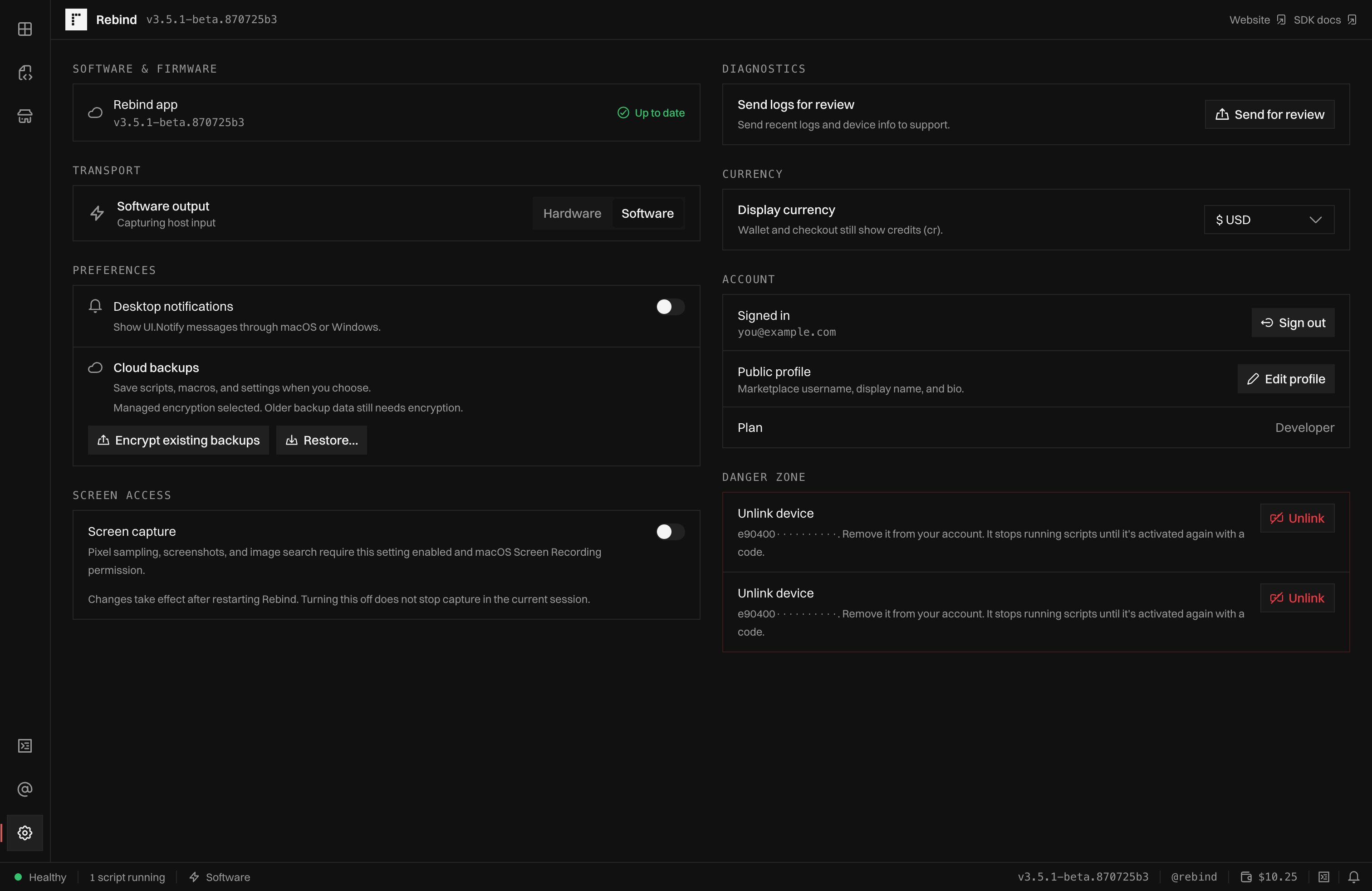
Settings: Send logs for review sits under Diagnostics.
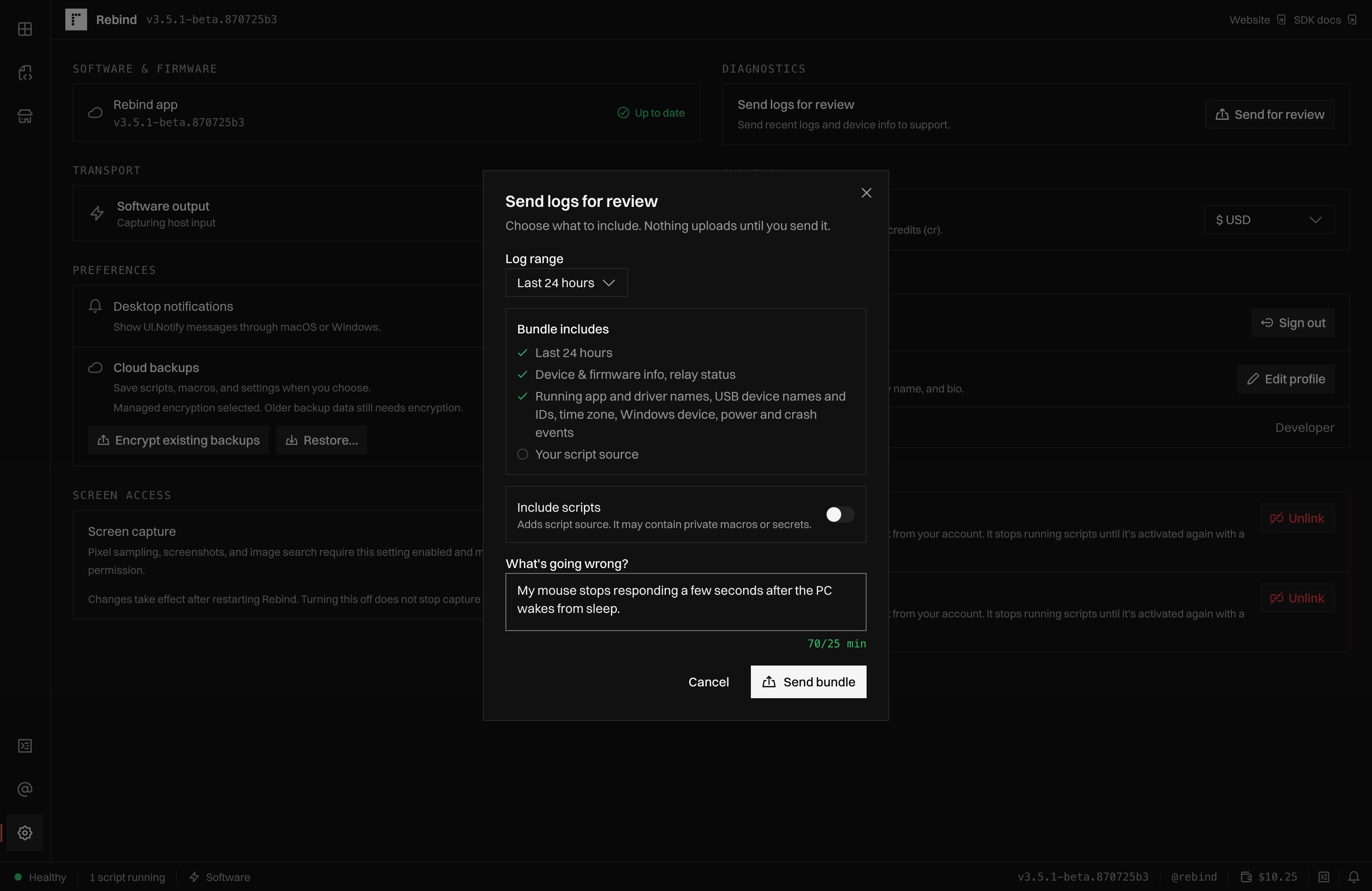
The Send logs for review dialog lists what the bundle includes before you send it.
From the terminal
Runrebind report to enter a description interactively, or pass one with -m:
-m and --yes. Confirmation requires
both stdin and stderr to be terminals; redirecting stdout alone still allows
confirmation. Read the bundle contents below before choosing --yes. The
notice still prints when confirmation is skipped. See the
report options to change the range or include scripts.
An account can submit two reports per hour. If the CLI loses the response,
the report may already have arrived. Running the command again creates a new
submission and can count against that limit.
What the bundle includes
- Rebind log files and their paths.
- Rebind and operating system versions, device identifiers, connected Rebind Link details, and checks from Rebind Link to hardware mode.
- Rebind settings, names of running programs, USB forwarding records, time zone, clock, and boot time.
- On Windows, USB and input device details, drivers, and device, power, and crash events.
- Script source only when you opt in to including it.
.lua, .ghost, and .luac files.
It omits .luau files, including Luau package entry points with that extension.
The range selects log files by modification time, not individual lines.
Crash and VM startup logs can be included regardless of the selected range.
The bundle is capped at 4 MiB, so some files or content may be omitted.
Logs, paths, settings, and optional source can contain personal information
or secrets. Leaving scripts out does not remove sensitive information from
the rest of the bundle.